

How Retries Work
When a step fails, Upstash Workflow automatically retries the failed step with configurable retry attempts and delay strategy. This allows temporary issues to resolve without manual intervention.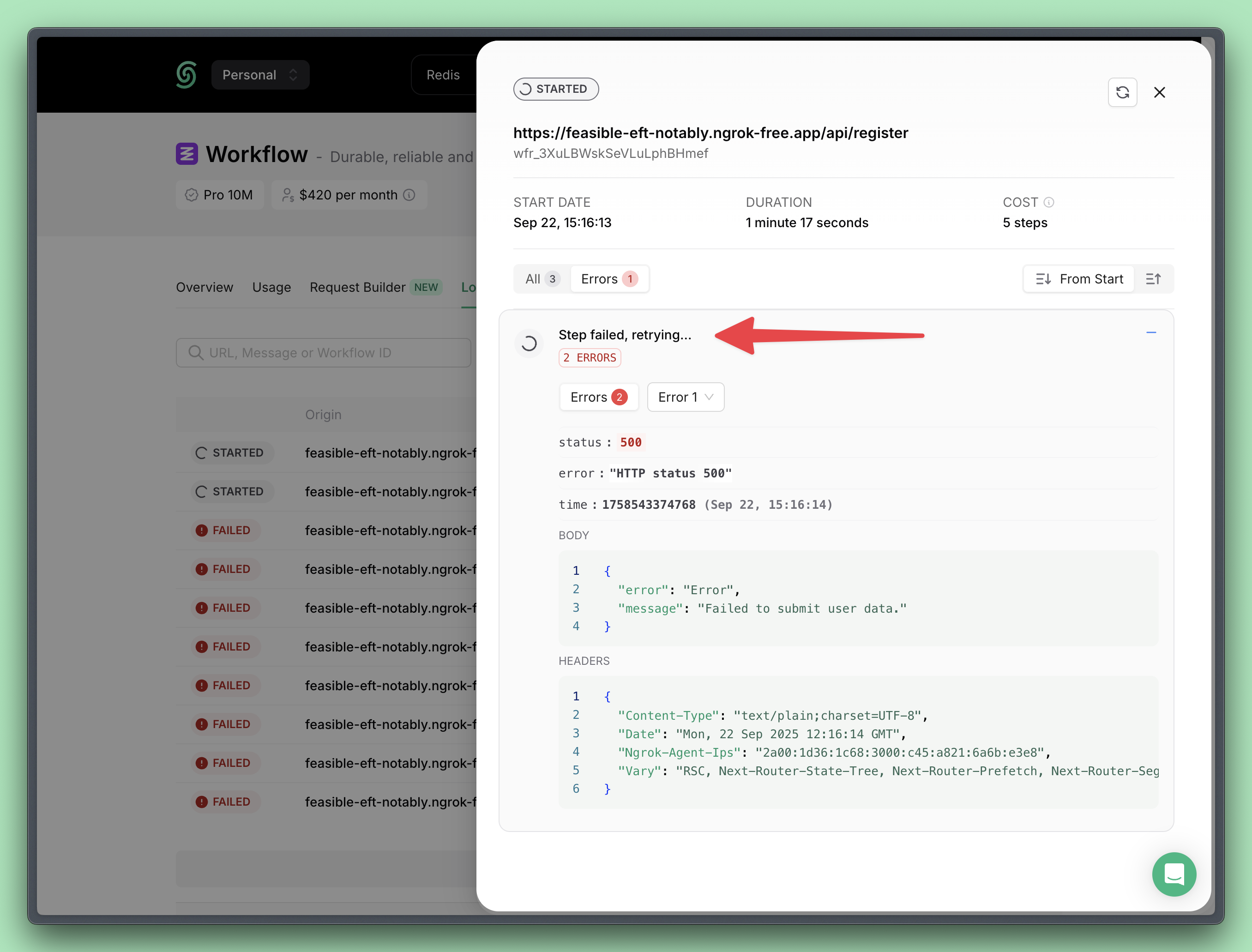
A failing step is automatically retried three times by default
Default Backoff Algorithm
Configuration
You can configure retry behavior when starting a new workflow run.Configure Retry Attempt Count
You can specify how many times a step should be retried upon failure.Configure Retry Attempt Count
Configure Retry Delay Strategy
Retry delay is the time to wait before trying again after a failure. You can define a custom retry delay strategy. The delay is defined as a math expression that is calculated on every retry. The expression can use theretried variable, which represents how many times the step has already retried (starting from 0).
To apply a constant delay, you can simply provide a fixed value.
The expression must return the delay in milliseconds.
Configure Retry Delay Strategy